RESTOREIT
Stop. Do not write anything to your drive.
What most people do
after losing a file makes things worse.
Every second you spend installing more software to get it back is another second spent overwriting what you've lost.
How It Works
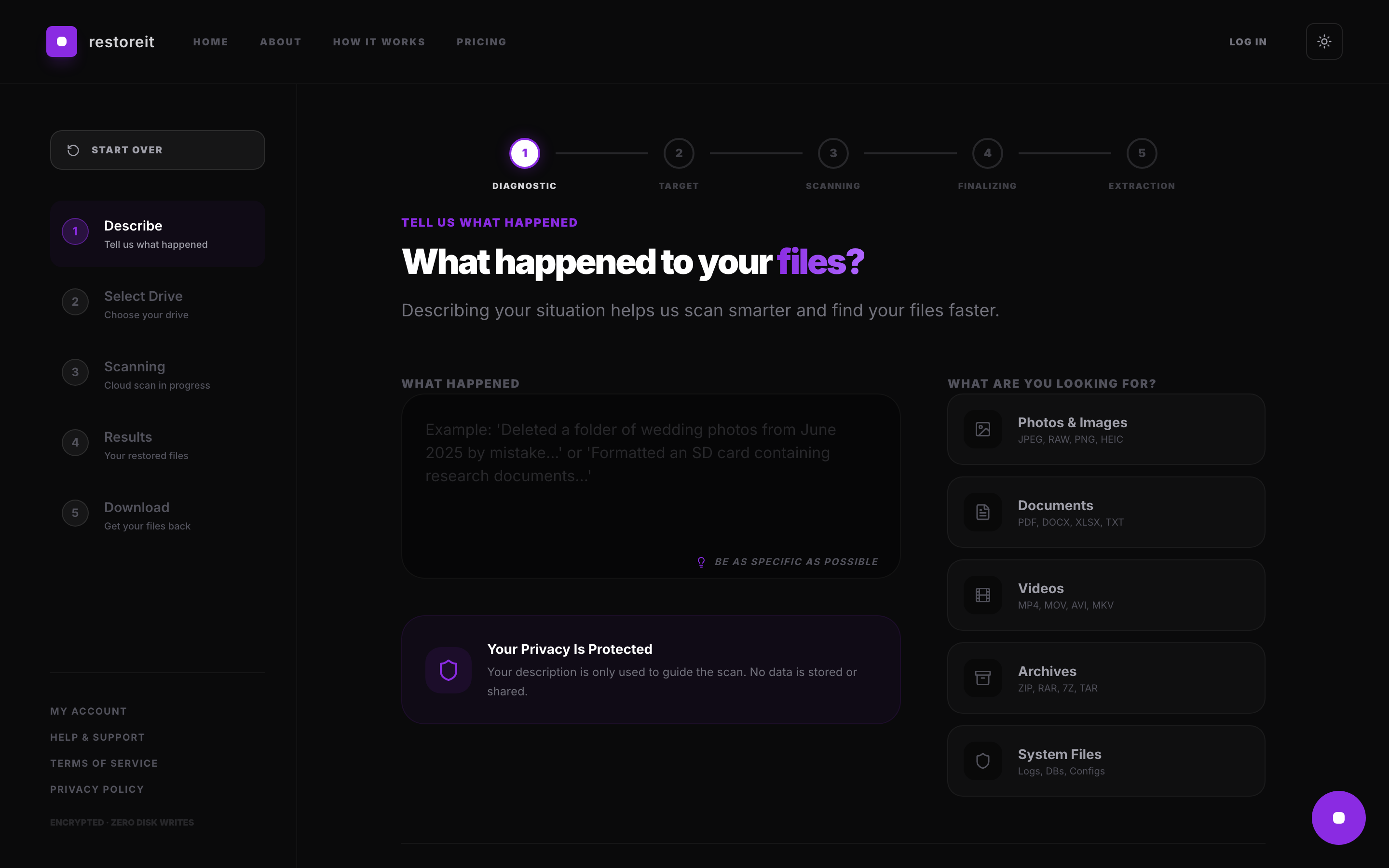
Five simple steps.
01
Describe
Tell us what happened and which drive to scan.
02
Select
Choose the drive. Run the relay command.
03
Scan
The relay streams your drive to our cloud engine.
04
Preview
See what the scan detected before you pay.
05
Unlock
Choose your plan. Download your restored files.
Uptime
99.99%
SLA Guaranteed
Restoration Speed
18GB/s
Peak Throughput
Encryption
AES-256
End-to-End
Files Restored
1.2B+
Last 24 Hours
Zero write operations
to your affected drive.
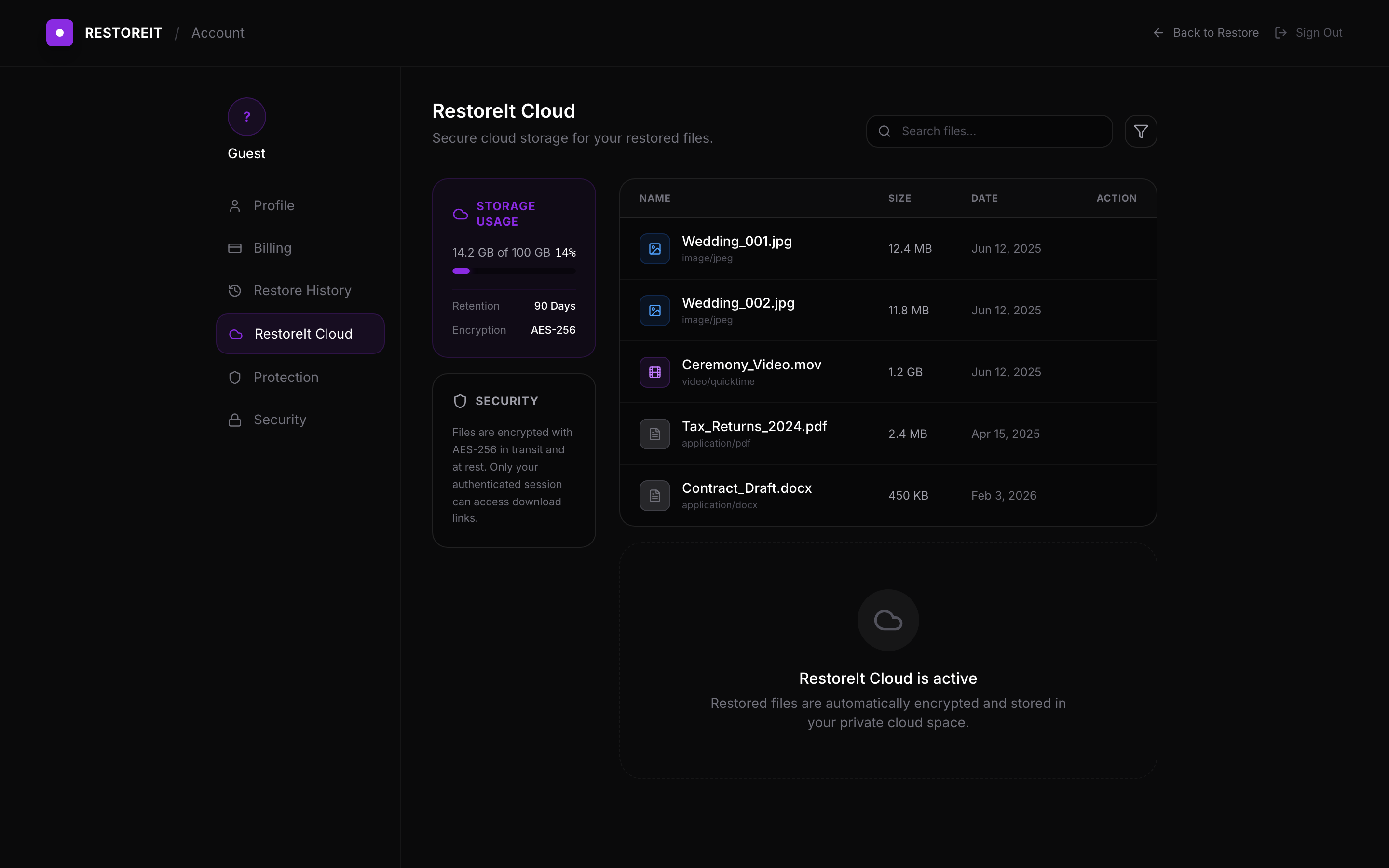
RestoreIt scans your drive without writing a single byte. See what the scan finds before you pay.